Launch Your Online Store in Minutes
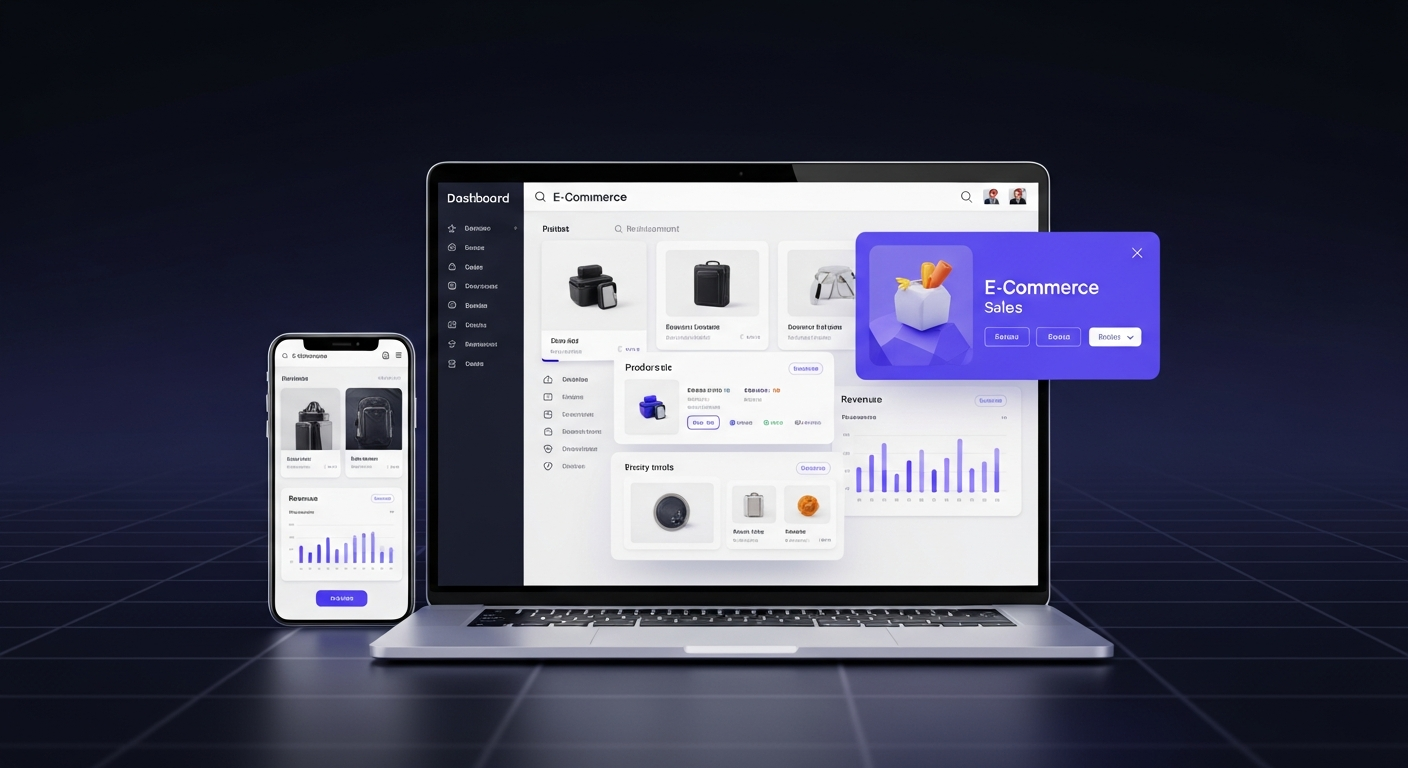
MouseCart helps resellers launch an online store in minutes. It is an online store builder for independent businesses: create a storefront, list products, accept payments, and manage orders from one platform. Start with the tools you need today, then add more as your business grows.
Start a free trial Explore store featuresAn e-commerce platform built to grow with your business
Sell physical goods, digital products, and auction listings in a storefront you can customize with your brand. MouseCart brings product management, order workflows, payment connections, and store analytics together, so you can spend less time switching tools and more time serving customers. You can begin with a basic store and expand it with optional features as your catalog and sales needs change.
- Product management: organize products, variants, images, inventory, and digital downloads.
- Payments: connect supported providers such as PayPal and Stripe so customer payments go to your accounts.
- Store analytics: review traffic, sales, and conversion activity from your dashboard.
- Custom domains: present your store on a domain that matches your business.
- Add-ons: extend your store with options such as auctions, print-on-demand, and affiliate tools.
How to start selling online
Create an account, add your products, choose the payment methods you want to connect, and personalize your storefront. Then share your store link with customers and manage incoming orders from your dashboard. The setup is designed for business owners who want to launch without building an e-commerce site from scratch.
- Create your account. Start a 15-day trial with no credit card required.
- Set up your storefront. Add products, configure payments, and choose your store design.
- Share and grow. Promote your store, fulfill orders, and add features when you need them.
Store plans that can scale with you
Choose a plan based on the size and needs of your business. Starter plans support new sellers; higher plans add expanded product capacity, analytics, support, and additional tools. Review the available plans and features before choosing the setup that fits your store.
MouseCart supports resellers who want an independent storefront as well as growing operations that need more products, multiple stores, or additional sales features. You keep control of your product catalog and connect your own supported payment accounts.
Create your store Browse public storesChoosing an online store builder for your business
A useful online store should make it straightforward to present products, explain what you sell, and help customers complete an order. MouseCart gives resellers and independent sellers a storefront they can customize, with product listings, payment connections, order management, and store analytics in one place. You can launch an online store in minutes, then refine its catalog and presentation as your business changes.
Organize products and inventory
Build a catalog with clear names, descriptions, images, prices, and available options. Keep product information together so customers can compare items and understand what they are buying. Sellers can manage physical goods, digital products, and auction listings, while inventory tools help keep the storefront aligned with what is available. Good product details also make it easier to maintain a consistent customer experience as a catalog grows.
Connect payments and manage orders
Choose supported payment providers and connect the accounts your business uses. Review each provider’s terms and processing fees before enabling it. After customers place orders, use your store dashboard to follow sales activity and keep fulfillment organized. Store analytics can help you understand visits and sales over time, giving you information to guide decisions about products and promotion.
Customize your storefront and expand gradually
Use your brand, store settings, and domain choices to create a storefront customers can recognize. Start with the essential tools, then consider optional capabilities such as auctions or print-on-demand when they fit your products. A modular store builder lets you make these choices based on your needs instead of adding every feature at launch. Review your catalog, checkout, and customer-facing policies before sharing your store publicly.
Plan a practical store launch
Before launch, prepare accurate product details, confirm prices and inventory, connect payment methods, and check the storefront on a phone as well as a computer. Share your store URL with customers and make sure contact and policy information is easy to find. After launch, monitor orders and visitor activity, update products when availability changes, and add tools only when they solve a real business need. These steps help a new online store grow while keeping day-to-day work manageable.
Frequently asked questions about starting an online store
What should I prepare before launching?
Gather product photos and descriptions, confirm prices and stock, choose payment methods, and check your store policies. Preview the storefront on mobile and desktop before sharing it with customers. Clear product information and a working checkout make it easier for shoppers to understand each listing and place an order.
Can I add features after my store is live?
Yes. Start with the features that support your current products and workflow, then review optional tools as your business grows. You can update your catalog, storefront settings, and available add-ons over time, instead of trying to configure every possible feature before your first sale.